


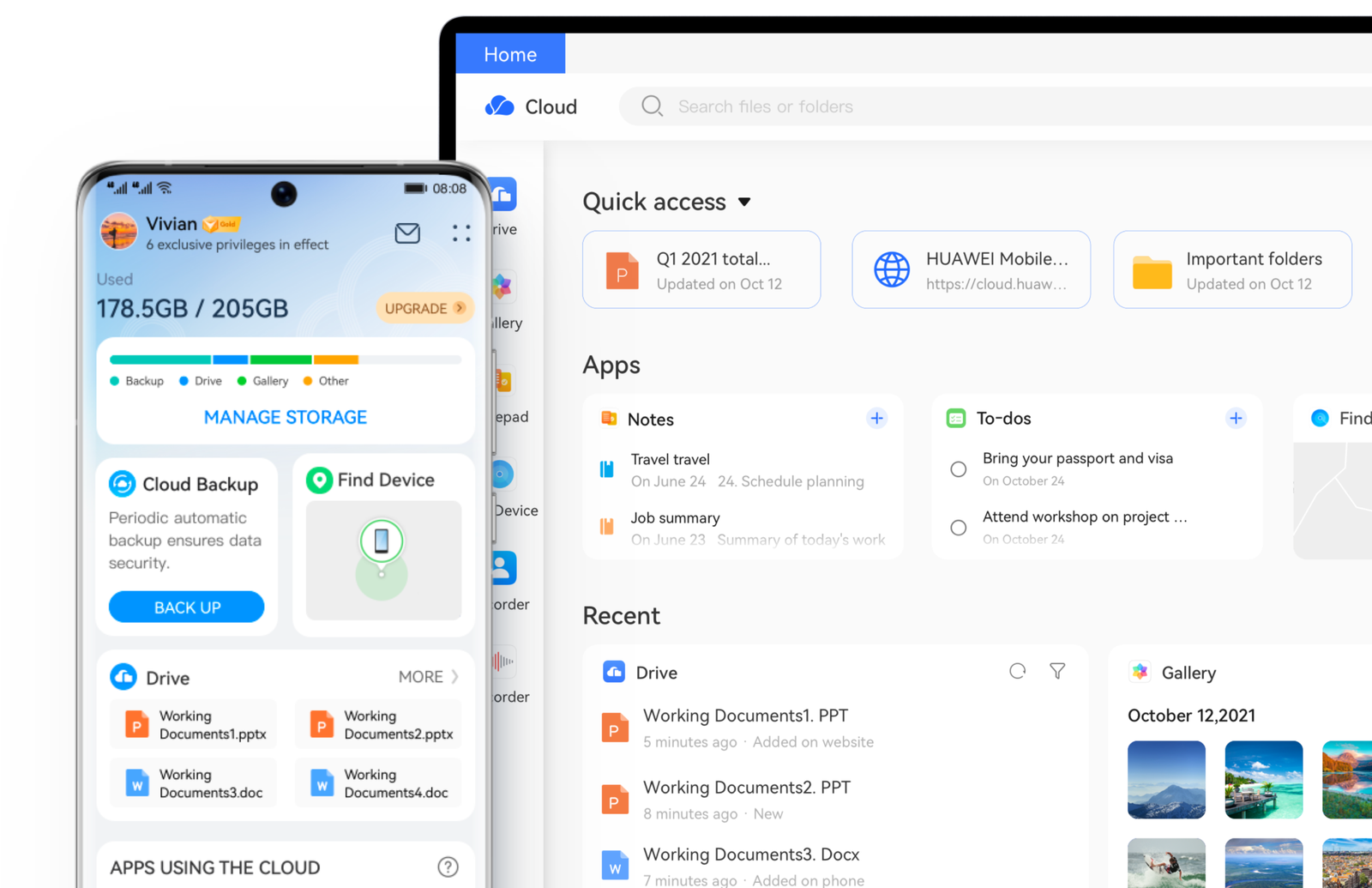
Between exam files, work documents, and thousands of phone photos, running out of storage is a matter of when, not if. The good news: you don’t need to pay for extra space right away. Here’s a practical look at the best free cloud storage apps for Pakistan users, with real numbers on free storage limits and what actually matters when you’re working with Pakistan’s typical mobile data costs and internet speeds.
Quick Comparison
| App | Free Storage | Best For |
|---|---|---|
| Google Drive | 15 GB (shared with Gmail, Photos) | Most Android and Gmail users — the practical default |
| TeraBox | Up to 1 TB | Storing large amounts of photos/videos at no cost |
| MEGA | 20 GB (may reduce to 15 GB after 30 days on some plans) | Built-in encryption with a large free tier |
| Microsoft OneDrive | 5 GB | Users already on Microsoft 365 / Office |
| pCloud | 10 GB | One-time lifetime storage plans |
| Proton Drive | 5 GB (shared with Proton Mail) | Maximum privacy, zero-knowledge encryption |
| Dropbox | 2 GB | Simple file sync for small, important documents |
Best Overall Choice: Google Drive
For most Pakistani users, Google Drive remains the most practical default — and it’s not close. Since almost every Android phone already runs on a Google account, Drive comes pre-installed and pre-connected with no extra setup. It offers 15 GB of free storage shared across Gmail, Google Photos, and Drive itself, plus the genuinely useful bonus that files created directly in Google Docs, Sheets, and Slides don’t count against your storage quota at all. For students submitting assignments, freelancers sharing files with international clients, or anyone needing fast, reliable file sharing via a simple link, Drive’s speed and universal compatibility make it the sensible starting point.
Best for Maximum Free Space: TeraBox
If your biggest concern is simply running out of space — especially for photos, videos, or backing up an old phone before switching to a new one — TeraBox stands out by offering up to 1 TB of storage completely free, an amount no major competitor comes close to matching. The trade-offs are real, though: the free tier includes ads, generally lower-quality video streaming, and no built-in encryption. For sensitive documents (CNIC copies, financial records, contracts), this isn’t the right home. But for bulk photo and video backup where privacy isn’t the top priority, it’s hard to beat on raw capacity.
Best for Built-In Privacy: MEGA and Proton Drive
If you’re storing anything sensitive — scanned ID documents, financial records, or private client work — encryption matters. MEGA offers a genuinely large 20 GB free tier with end-to-end encryption built in as standard, meaning even MEGA itself can’t view your files. One thing to double-check: some MEGA account types show the free allowance settling at 15 GB after an initial 30-day period, so it’s worth confirming your specific plan’s terms after signup rather than assuming the full 20 GB is permanent.
Proton Drive, from the makers of the privacy-focused Proton Mail, takes this a step further with a fully open-source app that security researchers can independently audit, plus Swiss jurisdiction that keeps it outside US and EU data-sharing agreements. Its free tier is smaller at 5 GB (shared with Proton Mail), making it best suited for a smaller set of genuinely sensitive files rather than bulk storage.
Best If You Already Use Microsoft Office: OneDrive
If you or your workplace already relies on Word, Excel, and PowerPoint, OneDrive’s tight integration with Microsoft 365 makes it a natural fit, even though its standalone free tier of 5 GB is smaller than Google Drive’s. The real value shows up if you already pay for (or plan to get) a Microsoft 365 subscription, which bundles a full 1 TB of storage together with the complete Office app suite — often better overall value than buying storage alone.
A Practical Tip: Combine Free Tiers
You’re not limited to just one service. A genuinely effective approach many users take: Google Drive for everyday documents and files you share often, TeraBox or MEGA for bulk photo and video backups, and a small, encrypted service like Proton Drive specifically for sensitive documents like ID scans or financial paperwork. Spread this way, it’s realistic to get 40 GB or more of free cloud storage across services without paying anything — as long as you keep track of which files live where.
What Matters Most for Pakistani Users Specifically
- Data costs: Uploading large files, especially videos, consumes real mobile data. Where possible, do large uploads over Wi-Fi rather than mobile data to avoid unexpectedly high data charges.
- Upload speed reliability: Internet speeds can vary significantly by area and provider in Pakistan. Apps with pause-and-resume upload support (most major apps on this list support this) are genuinely useful if your connection drops mid-upload.
- Offline access: If you travel to areas with unreliable connectivity, check whether your chosen app lets you mark specific files for offline access before you go, so you’re not stuck without your documents when you actually need them.
- Sensitive documents: For CNIC copies, bank statements, or other sensitive paperwork, prioritize a service with strong encryption (MEGA or Proton Drive) over one chosen purely for maximum free space.
Frequently Asked Questions
Which cloud storage app gives the most free space?
TeraBox offers up to 1 TB free, far more than any other major competitor, though it comes with ads and no built-in encryption.
Which cloud storage app is best for Android users in Pakistan?
Google Drive is generally the most practical choice, since it comes pre-installed on Android phones and integrates directly with Gmail and Google Photos.
Is it safe to store sensitive documents like CNIC copies on cloud storage?
For sensitive documents, choose a service with end-to-end encryption, such as MEGA or Proton Drive, rather than a service chosen purely for its large free storage limit.
Can I use more than one cloud storage app at the same time?
Yes, and many users do — combining a few free tiers (for example, Google Drive plus TeraBox plus Proton Drive) can realistically add up to 40 GB or more of free storage across different purposes.
There’s no single “best” cloud storage app for everyone — the right choice depends on whether you’re prioritizing maximum free space, built-in privacy, or tight integration with tools you already use. For most Pakistani users, starting with Google Drive and adding a second app for bulk backups or sensitive files covers nearly every real-world need, without spending a rupee.
