


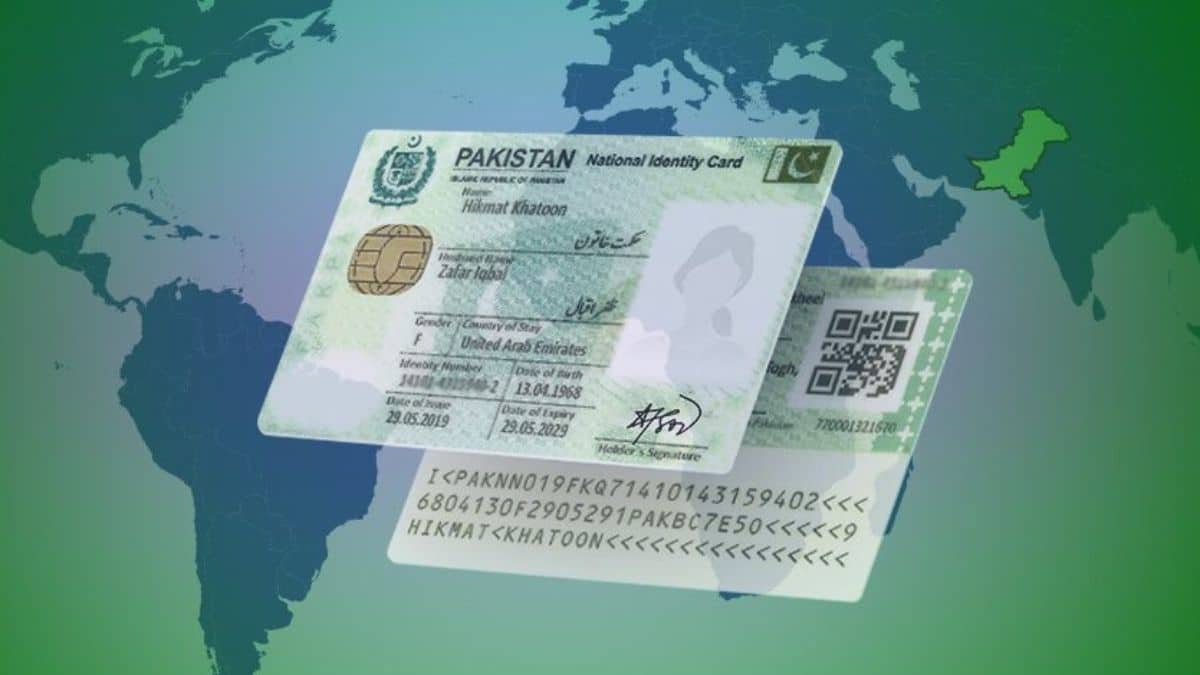
Want to see which names are officially registered under your CNIC as part of your family? NADRA keeps this on record as your family tree, and checking it is a useful way to confirm your family’s data is accurate, and that no unknown person has been added without your knowledge. This guide explains how to check family details through NADRA, both online and by SMS.
What Is a NADRA Family Tree?
Your family tree is the record of family members officially linked to your CNIC in NADRA’s database, such as your parents, spouse, and children, depending on how your head of family record is structured. This is closely related to the Family Registration Certificate (FRC), a document that confirms your family composition as recorded by NADRA.
NADRA introduced family tree verification as part of a wider effort to catch cases where someone unrelated had been incorrectly or fraudulently added to a family record. Checking yours periodically is a simple way to confirm everything is accurate.
Method 1: Check Through the PakID App
The most reliable way to check your current family details is through NADRA’s official PakID app.
Step 1: Open PakID and Log In
Download PakID from the Google Play Store or Apple App Store if you don’t already have it, and log in to your account.
Step 2: Go to the Family Section
From the main menu, look for the Family section.
Step 3: Select FRC (Family Registration Certificate)
This shows your family tree, essentially the digital record of who is registered as part of your family.
Step 4: Review the Listed Family Members
Check that every name listed is someone you recognize as part of your family, and that no one you don’t know has been added.
Method 2: Check Through SMS
If you don’t have a smartphone or internet access, you can request your family details through SMS.
- Open the SMS app on your phone.
- Type your 13-digit CNIC number, with or without dashes.
- Send it to NADRA’s family tree verification short code.
You’ll receive a reply listing the names currently registered under your family. If everything looks correct, you can typically reply with “2” to confirm. If you spot a name you don’t recognize, reply with “1” to flag it, and a NADRA representative will follow up with you.
This SMS short code has changed over the years as NADRA has updated its systems, and different sources currently list slightly different numbers. To make sure you’re texting the correct, currently active number, confirm it by calling the NADRA helpline at 1777 before sending your CNIC by SMS.
Also note that this service generally works only if you’re texting from the mobile number that’s registered with NADRA against your CNIC or B-Form. If your number isn’t registered, visit your nearest NADRA centre to update it, or use the PakID app method instead.
What to Do If You Find an Unknown Person in Your Family Tree
If someone appears in your family record who isn’t actually related to you, this could point to an error or, in some cases, an attempted fraudulent registration. Here’s what to do:
- Reply “1” if you received the list by SMS, so NADRA can look into it.
- Visit your nearest NADRA Registration Centre with your CNIC to formally report the discrepancy.
- Ask NADRA staff to review and correct your family registration record.
Why This Matters
- It helps confirm your family’s official record is accurate and up to date.
- It protects against identity misuse, where someone could be fraudulently added to a family record.
- An accurate FRC is often needed for passport applications, visas, inheritance matters, and other official processes.
Frequently Asked Questions
Is checking my NADRA family tree free?
Yes, both the app-based check and the SMS service are free.
What’s the difference between a family tree check and a Family Registration Certificate?
Checking your family tree gives you a quick view of registered family members. An FRC is the formal, printable certificate confirming the same information, which you may need to request separately for official use.
Do I need my own mobile number registered with NADRA to use the SMS service?
Yes, in most cases the SMS service works properly only when sent from the mobile number registered against your CNIC or B-Form with NADRA.
What should I do if I find an incorrect family member listed?
Reply “1” to the SMS if that’s how you checked, or visit your nearest NADRA centre with your CNIC to have the record corrected.
Can I check someone else’s family tree?
No. This service only lets you check the family details registered under your own CNIC.
Checking your NADRA family tree takes just a few minutes through the PakID app or a quick SMS, and it’s a simple habit that helps keep your family’s official record accurate.
