


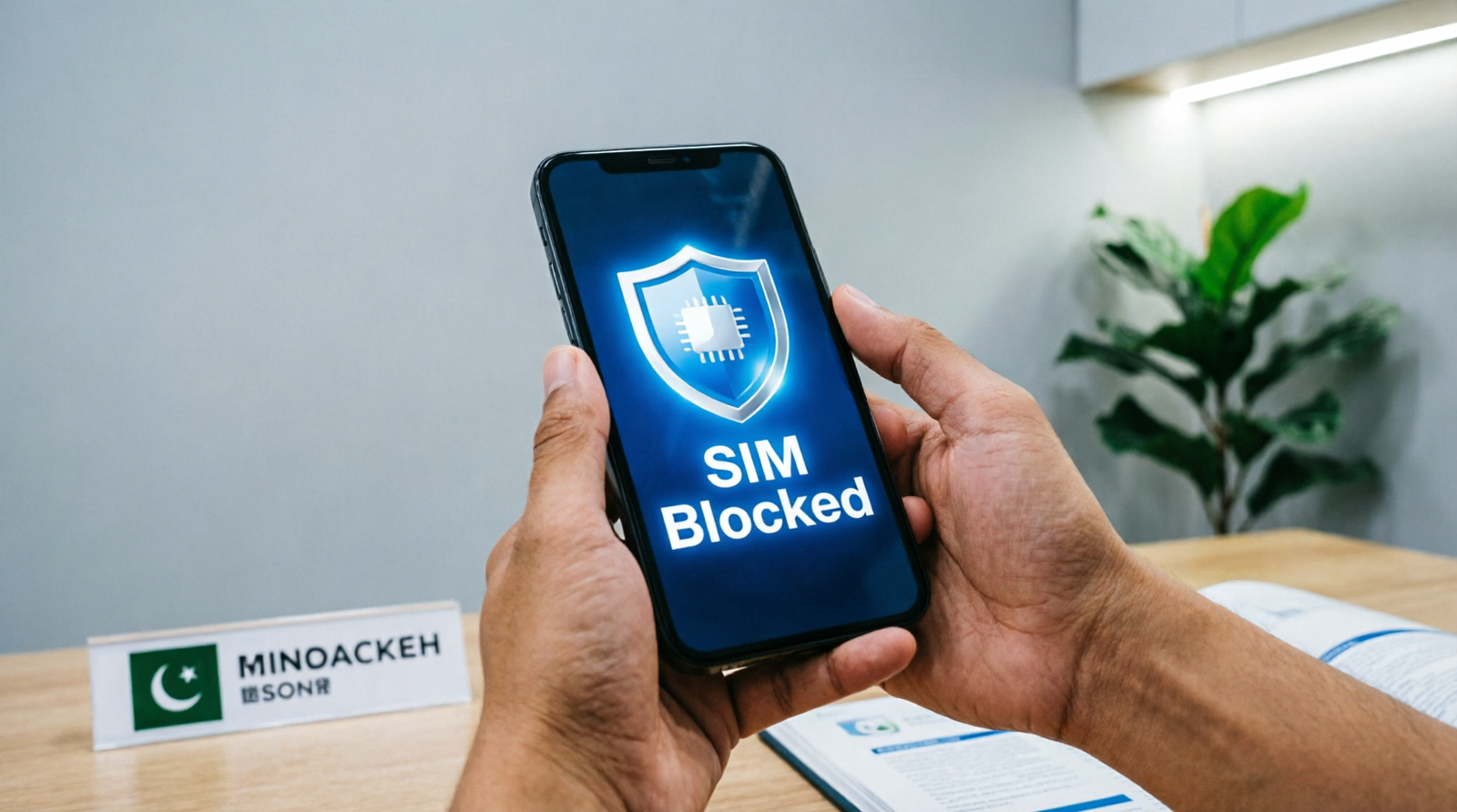
The moment you realize your phone is lost or stolen, your SIM becomes a bigger risk than the device itself. A working SIM can receive OTPs, unlock your JazzCash or Easypaisa wallet, and give access to your WhatsApp and email accounts. Here’s exactly how to block a lost or stolen SIM in Pakistan within minutes, plus what to do next to fully secure your identity.
Step 1: Act Within the First Few Minutes
PTA guidelines recommend reporting a lost or stolen SIM within 24 hours, but the faster you act, the better. Your SIM is directly tied to your bank accounts, mobile wallets, and social media logins, so every minute it stays active is a window for potential misuse.
Method 1: Call Your Network Operator’s Helpline
This is the fastest way to block your SIM immediately. Call your operator from any other phone (a friend’s phone or a landline works fine) and request an urgent SIM block:
- Jazz: 111
- Zong: 310
- Telenor: 345
- Ufone: 333
Be ready to provide your CNIC number and other verification details, such as your mother’s name, to confirm your identity. The whole call typically takes under five minutes, and the block is usually processed instantly once your identity is verified.
Method 2: Visit a Franchise in Person
If you’d rather handle it in person, visit your nearest operator franchise with your original CNIC. Explain that your SIM was lost or stolen, and staff will typically ask you to complete a form along with a live biometric thumbprint scan before blocking the SIM in their system. This method also sets you up to get a replacement “duplicate SIM” for the same number, usually for a small fee (around Rs. 100–200).
Method 3: File a Complaint Through PTA
You can also report the issue directly to PTA through its official Complaint Management System at complaint.pta.gov.pk, or through the official PTA CMS mobile app (available on the Google Play Store and App Store). This creates an official complaint record and reference number, which is useful if you need to escalate the issue or later request an unblock once the SIM or phone is recovered.
Don’t Forget: Block the Phone Itself Too
If your handset was stolen along with the SIM, blocking the SIM alone isn’t enough — the thief could simply insert a different SIM and keep using the device. To stop that, block the phone’s IMEI (a unique 15-digit identifier for every handset):
- Dial *#06# on any phone to display its IMEI number. It’s worth noting this down and keeping it safe every time you buy a new phone, before anything happens to it.
- Visit PTA’s official DIRBS portal at dirbs.pta.gov.pk and report the IMEI as stolen.
- Once blocked, the device becomes unusable on any Pakistani cellular network, even if the SIM is swapped out.
If the SIM or Phone Was Stolen (Not Just Lost)
For theft specifically, taking a few extra steps adds both legal protection and a stronger basis for a permanent block:
- File an FIR: Visit your nearest police station or cybercrime wing and file a First Information Report (FIR). Bring a written statement of what happened, a copy of your CNIC, and your SIM/device details. Some operators require an FIR before processing a permanent block in contested cases, and it also offers legal protection if the SIM is misused before you could block it.
- Contact CPLC (Karachi residents): The Citizens-Police Liaison Committee runs a 24/7 helpline at 1102 specifically for reporting snatched or stolen phones in Karachi, working alongside PTA’s blocking system.
- National helpline: For other cities, PTA’s national helpline is available at 0800-55055.
A Useful First Step: Check What’s Actually Registered to Your CNIC
Before or after blocking a specific SIM, it’s worth confirming exactly how many SIMs are registered under your CNIC in total. Open your SMS app, type your 13-digit CNIC number (no dashes or spaces), and send it to 668. You’ll receive a free automated reply listing every SIM registered under your name, broken down by operator — useful for catching any other unknown or forgotten connections while you’re already taking security precautions.
Recovering Your Phone Later? Here’s How to Unblock It
If your phone is later recovered, you can request PTA to reverse the block:
- Visit the PTA CMS portal or call the PTA helpline.
- Provide your original complaint reference number or the device’s IMEI.
- PTA will verify the request and typically unblock the device within 24 hours.
Frequently Asked Questions
How quickly can I block a lost or stolen SIM?
Calling your network operator’s helpline is the fastest method, typically taking under five minutes once your identity is verified through your CNIC.
What’s the difference between blocking a SIM and blocking a phone?
Blocking a SIM stops that specific number from being used for calls, messages, or OTPs. Blocking the phone’s IMEI through PTA’s DIRBS system prevents the entire device from connecting to any Pakistani network, even with a different SIM inserted.
Do I need to file an FIR if my SIM was just lost, not stolen?
Not necessarily. An FIR is more important in theft cases, especially if an operator requires one to process a permanent block, or if you want legal protection in case of misuse.
Can I get my old number back after blocking a lost SIM?
Yes. Visiting your operator’s franchise with your original CNIC lets you obtain a replacement “duplicate SIM” that restores your same phone number.
Losing a phone or SIM is stressful, but Pakistan’s blocking system moves fast once you know which steps to take. Acting within the first few minutes — starting with a call to your operator’s helpline — is the single most effective thing you can do to protect your identity and finances from misuse.
