


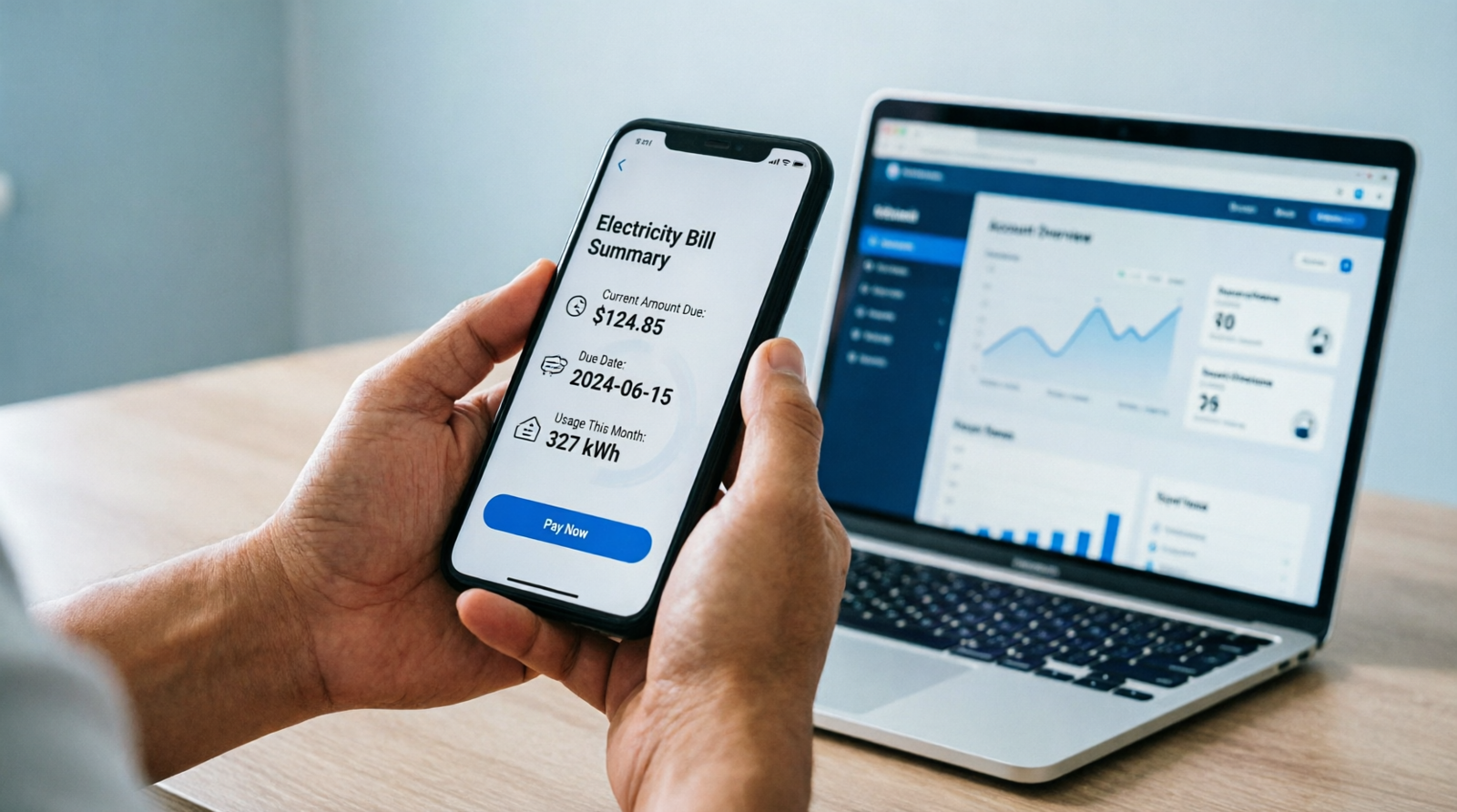
Islamabad Electric Supply Company (IESCO) serves more than 3.2 million consumers across Islamabad, Rawalpindi, Attock, Jhelum, and Chakwal — and checking your bill doesn’t require a single trip to a division office. This guide shows you exactly how to check IESCO bill online in under a minute, using only your reference number or Customer ID.

Which Areas Does IESCO Cover?
IESCO, a division of WAPDA established in 1998, distributes electricity across Islamabad and the surrounding region, extending from Attock to Jhelum, including Rawalpindi and Chakwal. If your area falls within this region, IESCO — not a different DISCO — is your electricity provider.
What You Need Before You Start
To check your bill, you’ll need one of two identifiers, both printed on any previous IESCO bill:
- Reference Number: A 14-digit code, usually found in the top-left corner of the bill under the “Consumer ID” section
- Consumer ID: A 10-digit alternative identifier also printed on your bill
You only need one of the two, not both.
How to Check Your IESCO Bill Online: Step-by-Step
Official website: https://www.iesco.com.pk
Alternative official portal: https://bill.pitc.com.pk (powers duplicate bill generation for all of Pakistan’s DISCOs, including IESCO)
- Visit the official IESCO website or the PITC portal linked above.
- Navigate to the “Bill Inquiry” section on the homepage.
- Enter your 14-digit Reference Number (or your Consumer ID, if using that method instead), with no spaces.
- Click “Submit” or “Search” to view your current bill.
- Review your total payable amount, due date, bill date, and consumption units on screen.
- Download or print the bill as a PDF for your records.
What If You Don’t Have Your Reference Number?
If you’ve misplaced your paper bill, you have a couple of backup options. First, check any old bank statement or payment receipt showing a previous IESCO payment, since your reference number is often listed there too. If that doesn’t work, contact IESCO’s customer service directly at 051-9252937, or reach out via email at ccmc@iesco.com.pk for assistance retrieving your account details.
Other Ways to Check or Pay Your IESCO Bill
- SMS service: IESCO offers a quick SMS facility — send your reference number via SMS to IESCO’s designated number, and you’ll receive a reply with your bill amount, due date, and status within seconds. This is especially useful if you don’t have internet access.
- Bank apps: HBL, UBL, Meezan Bank, and other major banks allow IESCO bill inquiry and payment by entering your reference number under their “Utility Bills” section.
- JazzCash and Easypaisa: Both mobile wallets support checking and paying IESCO bills in a single session.
- IESCO helpline: Call 118 for billing complaints, outage reporting, and general queries, available 24/7.
Understanding Extra Charges on Your Bill
If your IESCO bill seems higher than expected despite similar consumption, it’s often due to a Fuel Price Adjustment (FPA) or Quarterly Tariff Adjustment (QTR) — national-level charges set by NEPRA that can vary from one billing cycle to the next, regardless of your actual usage. Check the “Adjustments” section of your bill to see whether either of these has increased for the current cycle before assuming there’s an error.
A Word of Caution on Third-Party Bill Sites
Searching for “IESCO bill check” online brings up a large number of third-party websites offering the same lookup service. Several of these explicitly describe themselves as independent consumer-help sites that simply fetch data from the official IESCO system for display, rather than being affiliated with IESCO or any government body. While many are harmless, it’s safer to use IESCO’s official website or the PITC portal directly, especially since you’re entering personal billing information. If you do use a third-party site, avoid entering anything beyond your reference number, and never share your CNIC or banking details on a site that isn’t IESCO’s official domain or a recognized bank/wallet app.
Frequently Asked Questions
Is checking my IESCO bill online free?
Yes. Checking your bill through IESCO’s official website or the PITC portal is completely free and requires no account or login.
What’s the difference between Reference Number and Consumer ID?
Both are unique identifiers tied to your electricity connection. The Reference Number is 14 digits, while the Consumer ID is 10 digits — either one alone is enough to check your bill.
How can I check my IESCO bill payment history?
IESCO’s online bill status feature allows you to view your payment history for the past 12 months, giving you a full record of past bills and payments.
How do I avoid a late payment surcharge?
Check your bill a few days before the due date rather than waiting for the paper copy, since IESCO applies a late payment surcharge automatically if payment isn’t made on time.
With your Reference Number or Consumer ID on hand, checking your IESCO bill takes less than a minute through the official website — no queues, no paperwork, and no need to wait for the postman.
