


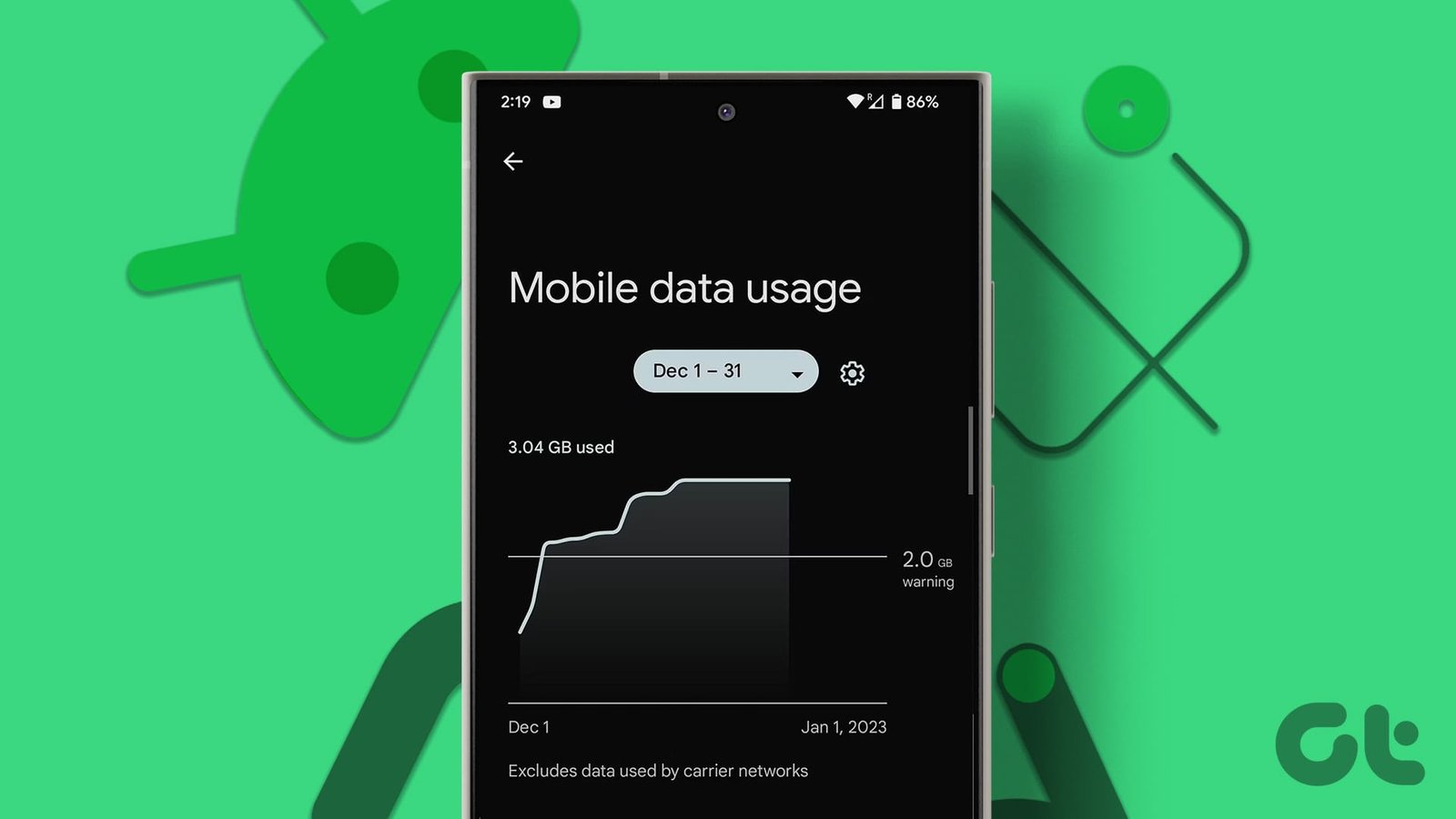
To check mobile data usage on an Android phone, open Settings, then Network & internet, then SIMs. Your total data use is shown at the top, and App data usage shows graphs and a per-app list. These steps are from Google’s help page for Pixel phones. Other brands use different menus: Samsung is Settings, Connections, Data usage and OnePlus is Settings, Mobile network, Data usage, according to a 2023 Android Authority guide. You can also set a data warning and a data limit, and turn on Data Saver. Your phone’s count may differ from your mobile company’s count, so check your operator for the bill figure. Here are the steps, the settings that help, and what I could not confirm.
Step 1: See Your Total Data Use
- Open Settings.
- Tap Network & internet, then SIMs.
- Your total data use is shown at the top of the screen.
Step 2: See Which Apps Use the Most Data
- On the same screen, tap App data usage.
- Tap the down arrow to change the time period.
- Scroll below the graph to see the usage of each app.
If Your Phone Is Not a Pixel
| Phone | Where to look |
|---|---|
| Pixel and stock Android | Settings, Network & internet, SIMs, App data usage |
| Samsung | Settings, Connections, Data usage, Mobile data usage |
| OnePlus | Settings, Mobile network, Data usage |
Android Authority says menu names vary by maker, and its guide is from August 2023. For Xiaomi, Oppo, Vivo, Infinix, Tecno and other brands, I did not confirm the steps. Try the search box at the top of Settings and type “data usage”.
Step 3: Set a Data Warning
- Go to Settings, Network & internet, SIMs.
- Tap Data warning & limit, and turn on Set data warning if needed.
- Tap Data warning and enter a number. Use the down arrow to switch between MB and GB.
- Tap Set.
Google says you will get a notification when your usage reaches that level.
Step 4: Set a Data Limit (Optional)
- Go to Settings, Network & internet, SIMs, Data warning & limit.
- Turn on Set data limit, read the message and tap Ok.
- Tap Data limit, enter a number and choose MB or GB.
- Tap Set.
When you reach the limit, mobile data turns off automatically and you get a notification. To turn it back on, switch off Set data limit.
Step 5: Use Data Saver to Cut Usage
- Open Settings, then Network & internet, then Data Saver.
- Turn it on. A Data Saver icon appears in the status bar.
- Google says Data Saver lets most apps and services get background data only over Wi-Fi. Apps you have open can still use mobile data.
- Some apps may not work properly without Wi-Fi. To let an app keep using mobile data, go to Data Saver, Unrestricted data and turn that app on.
Other Ways to Save Data
Google’s help page suggests:
- Turn off Mobile data in Network & internet, SIMs when you only need Wi-Fi.
- Turn off auto-sync and sync apps by hand.
- Restrict background data for individual apps.
- Keep Roaming off unless you need it, because roaming can cost extra.
- On a dual-SIM phone, make sure mobile data is assigned to the SIM you want.
Your Phone’s Count May Not Match Your Bill
Google says to check with your carrier for how it measures data and what your plan limits are, since the phone’s numbers may differ from the carrier’s. If your phone and your mobile company’s figure do not match, the company’s figure is the one used for your plan. I did not find an official page from Jazz, Zong, Telenor or Ufone for checking the remaining data balance, so I do not give any codes here. Use your operator’s app, helpline or website.
What I Could Not Confirm
- Other phone brands. The steps are for Pixel and stock Android. Samsung and OnePlus routes come from one 2023 guide. I did not check Xiaomi, Oppo, Vivo, Infinix, Tecno or others.
- Android version. Google says some steps need Android 8.0 or later and that custom Android versions may differ. Menu names can change with updates.
- Billing cycle. Google’s page does not explain how to set one, so I do not describe it.
- Pakistani operator balance codes. I did not confirm current codes or apps, so I give none.
- How closely the phone matches your bill. Google only says the numbers may differ.
This is general information, not an official notice. Your phone maker and your mobile company are the final authority.
Frequently Asked Questions
How do I check mobile data usage on Android?
Open Settings, tap Network & internet, then SIMs. Tap App data usage for graphs and per-app use.
How do I see which app uses the most data?
Open App data usage and scroll below the graph to see each app’s use.
How do I check data usage on a Samsung phone?
Go to Settings, Connections, Data usage, then Mobile data usage, according to a 2023 guide.
Can I get a warning before I use too much data?
Yes. In Data warning & limit, set a data warning. You get a notification when you reach it.
Can my phone stop mobile data automatically?
Yes. Turn on Set data limit, and mobile data turns off when you hit it.
What does Data Saver do?
It lets most apps use background data only on Wi-Fi. Apps you have open can still use mobile data.
Why does my phone show a different number from my mobile company?
Google says the numbers may differ. Ask your operator how it measures usage.
Check your data use every week or so, and set a warning so a plan does not run out unexpectedly.
