


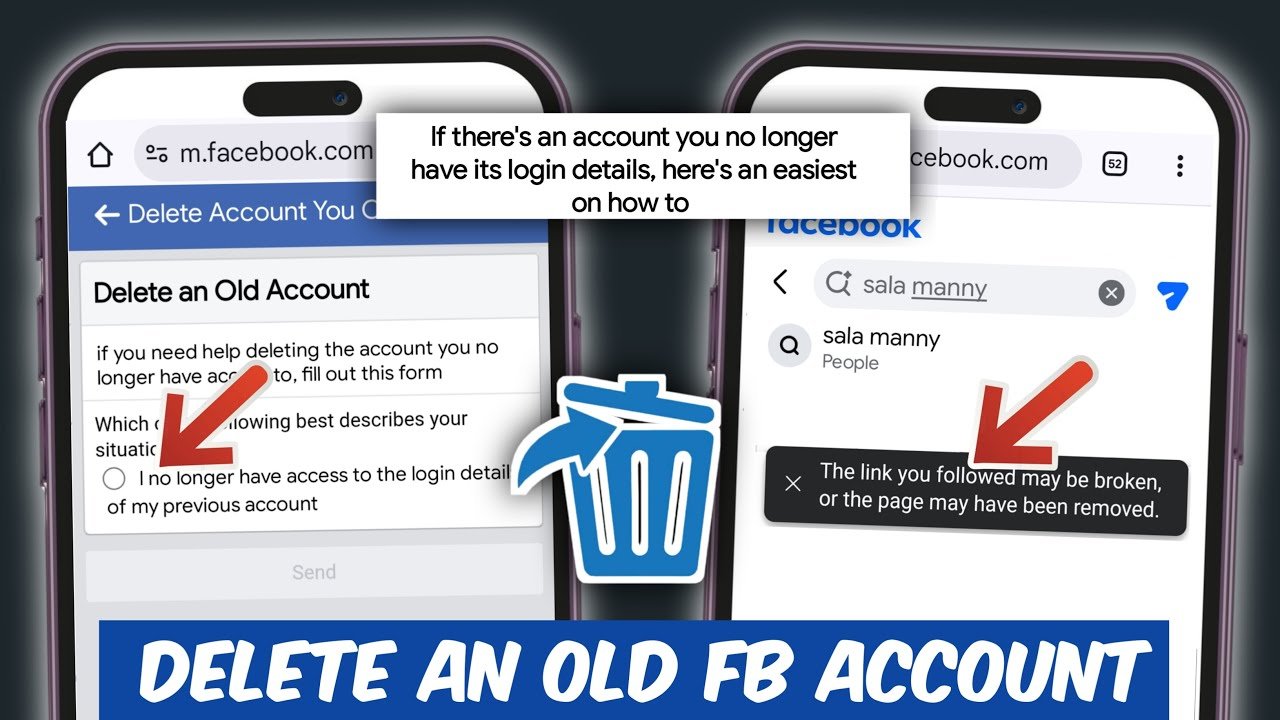
To delete an old online account you no longer use, first find it by searching your email for words like “welcome” and “verify” and checking your password manager. Then download anything you want to keep, search for the service’s name plus “delete account,” and follow its steps. If the service has no delete option, remove your personal details, change the password and turn on extra security. Deleting old accounts means less of your data can leak if the service is hacked. Here are the steps in order, the traps to watch for and what I could not confirm.
Why Delete Old Accounts?
- The National Cybersecurity Alliance (January 2026) says personal data is valuable to companies and to criminals, who can use it for impersonation, password guessing and phishing messages.
- It says less stored data means less exposure if a service is breached.
- It also says old “ghost accounts” often hold personal information and may predate current security standards.
Step 1: Find Your Old Accounts
- Search your email for sign-up messages with words like “welcome,” “verify,” “confirm,” “your account” or “free trial” (Bitdefender, National Cybersecurity Alliance, How-To Geek).
- Check your password manager and your browser’s and phone’s saved logins for services you no longer use (Privacy Guides, How-To Geek).
- Review “Sign in with” connections in your Google, Facebook or X settings. Many sites let you sign up that way. How-To Geek warns that disconnecting an app does not delete your data at that service.
- Check data leaks. How-To Geek suggests Have I Been Pwned to see which known leaks included your email address.
Make a list of the accounts you find. Start with the ones that hold the most personal data, such as shopping sites with saved cards, and old social media accounts. This ordering is general advice.
Step 2: Keep Anything You Need
- Export or download notes, tasks, photos and calendar events first. Bitdefender and How-To Geek both say to do this.
- Check whether the service has a “download your data” tool in its settings.
- Do not delete your main email account if other accounts use it for login or password resets. This is general advice, because you may lose access to them.
Step 3: Get Back In If You Forgot the Password
- Use the service’s “Forgot password” option.
- If the reset says no account exists for that email, or no link arrives after several tries, try a different email address you may have used (Privacy Guides).
- If you cannot recover it, contact customer support. Privacy Guides says recovery is not guaranteed, and some services have already removed old accounts.
Step 4: Delete the Account
- Search for the service’s name plus “delete account” or “close account.”
- Check the service’s support pages and privacy policy for deletion steps and how long it keeps your data (Bitdefender).
- Privacy Guides and How-To Geek point to JustDeleteMe, a website with deletion instructions for many services.
- If the steps are unclear, contact customer support and ask for permanent deletion.
- Keep any confirmation email or screenshot. This is general advice.
Deactivate Is Not the Same as Delete
- The National Cybersecurity Alliance says deactivating pauses an account and keeps the data, while deleting may still leave some data behind.
- Privacy Guides warns that some “Delete Account” buttons only disable the account, and full erasure may need extra steps such as a survey or an email to the company.
- Read the service’s privacy policy to see which one you are choosing.
If You Cannot Delete the Account
Some services make deletion difficult or offer none at all (Bitdefender, Privacy Guides). In that case:
- Remove payment details such as saved cards.
- Delete the personal data saved in it, such as notes and addresses.
- Clear identifying details such as your name, birthday and address, and replace them with meaningless information. Privacy Guides says the company may keep earlier data or backups, so this is not a guarantee.
- Change the password to a long random one saved in a password manager, and turn on multi-factor authentication if it is offered (Privacy Guides).
- Change the email on the account to another address, and delete the alternative address afterwards. Privacy Guides advises against temporary email services because those addresses can sometimes be reactivated.
Privacy Guides also says not to overwrite your data if you plan to use European data-protection (GDPR) rights, because the company may need to verify your details. Bitdefender and Privacy Guides mention that law for people in Europe and California. I did not find a Pakistani equivalent, so I do not give legal advice for Pakistan.
Step 5: Clean Up Afterwards
- Empty trash folders and clear app data, history and cached content on your devices (National Cybersecurity Alliance).
- Delete cloud copies of files and empty the cloud trash.
- Remove the deleted account from your password manager.
- Review your accounts once a year. The National Cybersecurity Alliance recommends this, together with unique passwords and multi-factor authentication.
Privacy Guides notes that deleted data may still be cached elsewhere, for example by the Internet Archive.
Beware of Scams
- Use the service’s own settings or official support page to delete an account. Be careful with sites that ask for a payment or your password to “delete” accounts for you.
- Do not click “delete your account” links in unexpected emails. Open the service yourself.
- Be careful with paid “account finder” tools. Bitdefender’s own scanner is a paid vendor product, and I have not tested it.
These tips are general advice.
What I Could Not Confirm
- Any single service’s current deletion steps. They differ and change. The article gives the general method only. Check each service’s own help page.
- JustDeleteMe’s current accuracy. I did not open it.
- Whether deletion removes all your data. Sources say some data may remain, and it varies by service.
- Pakistani law. I found no source on a right to erasure in Pakistan.
- How long services keep deleted data. It is not covered in the sources.
- Privacy Guides’ page date. The page shows none. The other sources are Bitdefender (updated June 2026), the National Cybersecurity Alliance (January 2026) and How-To Geek (updated October 2023).
This is general information, not an official notice or legal advice.
Frequently Asked Questions
How do I find old accounts I forgot about?
Search your email for “welcome” and “verify,” and check your password manager and saved logins.
What is the difference between deactivating and deleting?
Deactivating pauses the account and keeps the data. Deleting removes it, though some data may remain.
What if the site has no delete button?
Contact support, or remove your personal details, change the password and turn on multi-factor authentication.
Should I download my data first?
Yes, if you want to keep anything such as photos, notes or tasks.
Does disconnecting “Sign in with Google or Facebook” delete my account?
No. It only removes the link, and your data stays at the service.
What if I forgot the password?
Use “Forgot password,” try other email addresses you may have used, or contact support.
How often should I check my accounts?
At least once a year, according to the National Cybersecurity Alliance.
Start with the accounts that hold the most personal data, and keep your main email until last.
