


Checking your SSGC gas bill online only takes a minute once you have your consumer number handy. Here’s exactly how to do it, plus a few things to watch out for.
<!– –>
What You’ll Need
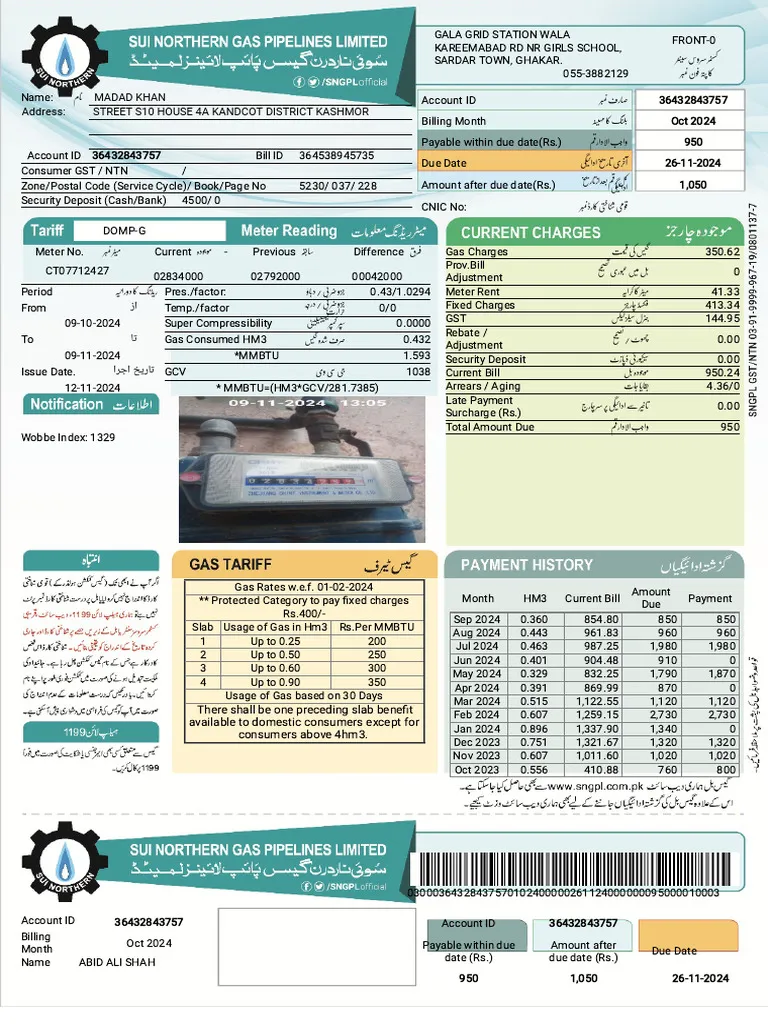
Just your Consumer Number (also called Customer Number) — a 9 to 10 digit number printed on any previous SSGC bill, usually in the customer information section. Name or CNIC alone isn’t enough to look up your bill online, so if you don’t have an old bill handy and you’re renting, ask your landlord or a previous tenant for a copy.
Step-by-Step: Checking Your Bill Online
- Go to the official SSGC portal: www.ssgc.com.pk. Double-check the URL carefully, since lookalike sites exist.
- Enter your consumer number exactly as it appears on your bill, with no spaces or dashes.
- Submit to view your current bill.
- Review the details: your registered name, connection address, current bi-monthly bill amount, due date, gas consumption in cubic meters, tariff slab, and any outstanding arrears.
- To save a copy, use your browser’s print option and save it as a PDF — this gives you an itemized breakdown of charges, taxes, and any adjustments.
No separate app is required — the lookup works directly in any mobile or desktop browser.
Getting Free Bill Alerts by SMS
SSGC offers free SMS bill alerts for registered consumers, sent each billing cycle with your amount due and payment deadline. Registration for this service is typically done at an SSGC Customer Care Center, and sometimes through the portal itself.
If Your Bill Doesn’t Load
- Double-check that you’ve entered the consumer number correctly, with no extra spaces or characters.
- Wait a few minutes and try again, since the portal can occasionally be slow to update.
- If it still doesn’t work, contact SSGC’s helpline at 1199, which also handles billing error and low gas pressure complaints, or visit your nearest Customer Facilitation Center.
Watch Out for Fraudulent Messages
Be cautious of SMS messages claiming your gas connection will be disconnected unless you click a payment link immediately — these are a known scam tactic. Always pay through SSGC’s official channels or verify any unusual message by calling the official helpline directly, rather than clicking links in unsolicited texts.
Frequently Asked Questions
Can I check my SSGC bill using just my name or CNIC?
No. You need your consumer number from a previous bill — name or CNIC alone won’t work for the online lookup.
Do I need to download an app to check my bill?
No. The online lookup works directly through any browser at ssgc.com.pk — no separate app is needed.
How can I get notified automatically when a new bill is issued?
Register for SSGC’s free SMS bill alert service at a Customer Care Center, or check if this option is available directly through the online portal.
What should I do if I get a text saying my gas will be disconnected unless I pay via a link?
Don’t click the link. Verify directly through the official SSGC portal or by calling helpline 1199, since these messages are a common fraud tactic.
Keeping your consumer number saved somewhere handy makes future bill checks even quicker — and registering for SMS alerts means you won’t have to remember to check manually every billing cycle.
