


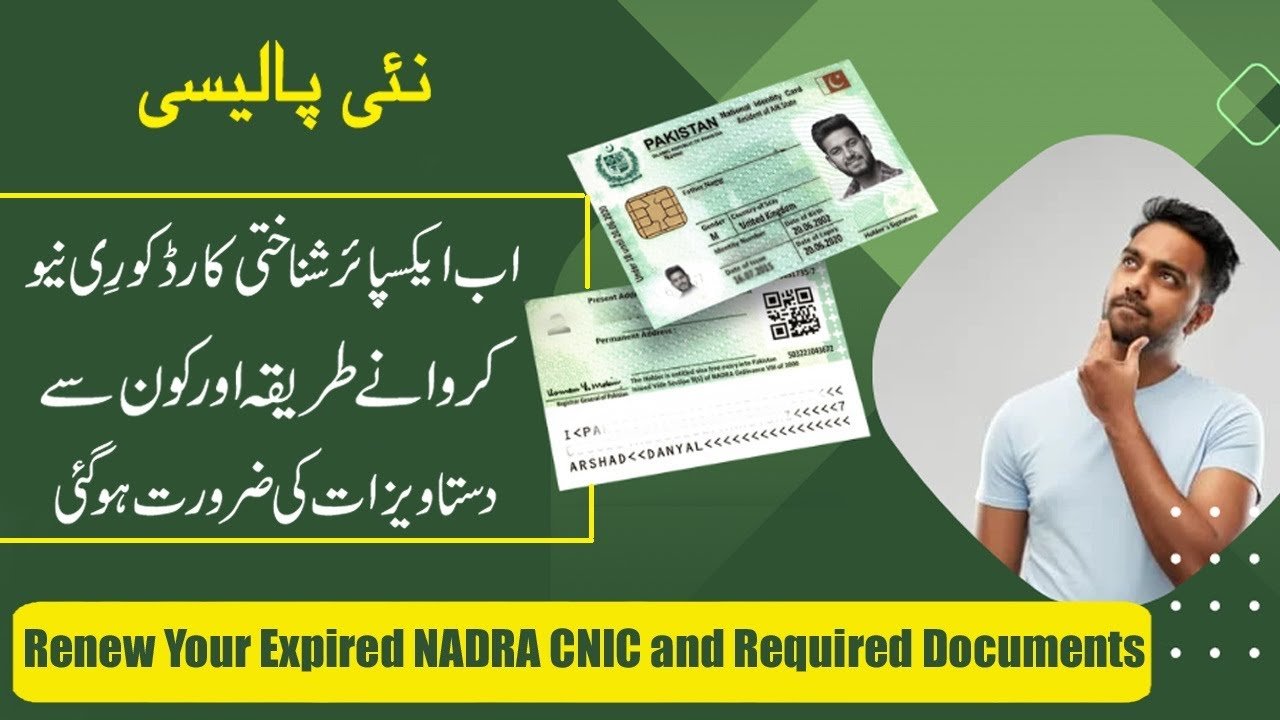
You can renew an expired CNIC in Pakistan online through NADRA’s Pak ID app or the NADRA online portal, and the new card can be delivered to your home. This guide explains the steps, the documents you may need and the fees. NADRA changes its rules and fees from time to time, so check the latest details on NADRA’s official channels before you apply.
Ways to Renew
- Pak ID app: The app lets you renew an expired or soon-to-expire CNIC from your phone, according to ARY News (7 September 2026) and PhoneWorld (15 September 2025).
- NADRA online portal: A TechJuice guide says you can renew through id.nadra.gov.pk by choosing “My Identity Card has expired.”
- NADRA centre: You can also visit a NADRA centre. The sources I read do not describe the in-person steps, so ask the centre what to bring.
Steps to Renew Through the Pak ID App
- Download the Pak ID app. First-time users must sign up and log in.
- On the home screen, open Identity Documents and tap ID Card.
- Select the applicant and choose the renewal option.
- Follow the on-screen instructions, enter your details and upload the documents the app asks for.
- Complete the biometric step. The app guides you through face and fingerprint capture using your phone camera.
- Pay the fee in the app by debit or credit card or mobile wallet.
- Choose the processing mode: Normal, Urgent or Executive.
- Choose home delivery or pick-up from a NADRA centre.
- Track your application in the app until the card arrives.
The app is available in Urdu and English. PhoneWorld says the app also shows real-time tracking in its inbox and can be used to book NADRA centre appointments.
Steps on the NADRA Online Portal
According to a third-party TechJuice guide from 2025:
- Go to id.nadra.gov.pk and log in or register.
- Under “Online CNIC,” choose “My Identity Card has expired” and start a new application.
- Enter your personal details and the delivery address.
- Pay by debit or credit card. The fee depends on your delivery option.
- Upload your documents.
- Check the details, read the declaration and submit.
This is a third-party guide, so check the steps on NADRA’s own site, which may have changed.
Documents You May Need
The Pak ID app reports I read say only “the necessary documents” without a full list. The TechJuice guide lists these for the online portal:
- A recent passport-size photo with a white background.
- A fingerprint form downloaded from NADRA, printed, filled in, scanned and uploaded.
- A filled-in Urdu data form, scanned.
- An attester form, needed in some cases, such as first-time applicants or when your information has changed.
- Other supporting papers if requested, such as a copy of your old CNIC or a utility bill.
Keep your old CNIC number and your details ready. The app may ask for fewer papers than the portal because it captures your photo and fingerprints directly, but this is not confirmed in the reports.
Fees
The reports I read do not give a current renewal fee. These are the figures I found, and they may be out of date:
| Card type and speed | Fee | Source and date |
|---|---|---|
| Smart CNIC, normal | Rs750 | ARY News, April 2025 |
| Smart CNIC, urgent | Rs1,500 | ARY News, April 2025 |
| Smart CNIC, executive | Rs2,500 | ARY News, April 2025 |
| Non-smart CNIC renewal, normal | Rs400 | ARY News, April 2018 |
The April 2025 figures are listed for new smart card issuance, and the report does not say they apply to renewal. The non-smart figure is from 2018 and is very old. Check the current fee in the Pak ID app or on NADRA’s fee page before you pay.
Normal, Urgent and Executive
All sources agree that you can choose Normal, Urgent or Executive processing and that urgent and executive cost more. The reports I read do not give delivery times for each option.
If You Live Abroad
TechJuice says the online process works for people in Pakistan and abroad. PhoneWorld says NICOP applicants abroad need a compliant photo, fingerprint and attester forms and two NICOP holders as witnesses. This is for NICOP, which is a different card from the CNIC.
Tips to Avoid Delays
- Use a clear photo with a white background and take your fingerprints carefully.
- Make sure your name, address and mobile number are correct.
- Keep a digital copy of everything you upload.
- Check your SMS and email, since NADRA may ask for more documents.
- Use only the official Pak ID app and NADRA’s website. Type the address yourself and do not share your OTP or CNIC details with agents or unknown callers.
What I Could Not Confirm
- The current renewal fee for each speed.
- Delivery times.
- A full official list of documents.
- Whether the portal steps above are still the same.
Frequently Asked Questions
Can I renew an expired CNIC online?
Yes, through the Pak ID app or the NADRA online portal.
Do I have to visit a NADRA office?
Not necessarily. You can apply online and choose home delivery or pick-up from a centre.
How much does it cost?
It depends on the processing speed. I could not confirm current renewal fees, so check in the app.
What documents do I need?
A photo, fingerprints and any papers the app or portal asks for, and possibly an attester form.
How can I track my application?
In the Pak ID app, which shows real-time progress until delivery.
What are the processing options?
Normal, Urgent and Executive.
Renewing early avoids problems with banks, SIMs and government services. Check NADRA’s official channels for the latest fees before you pay.
