


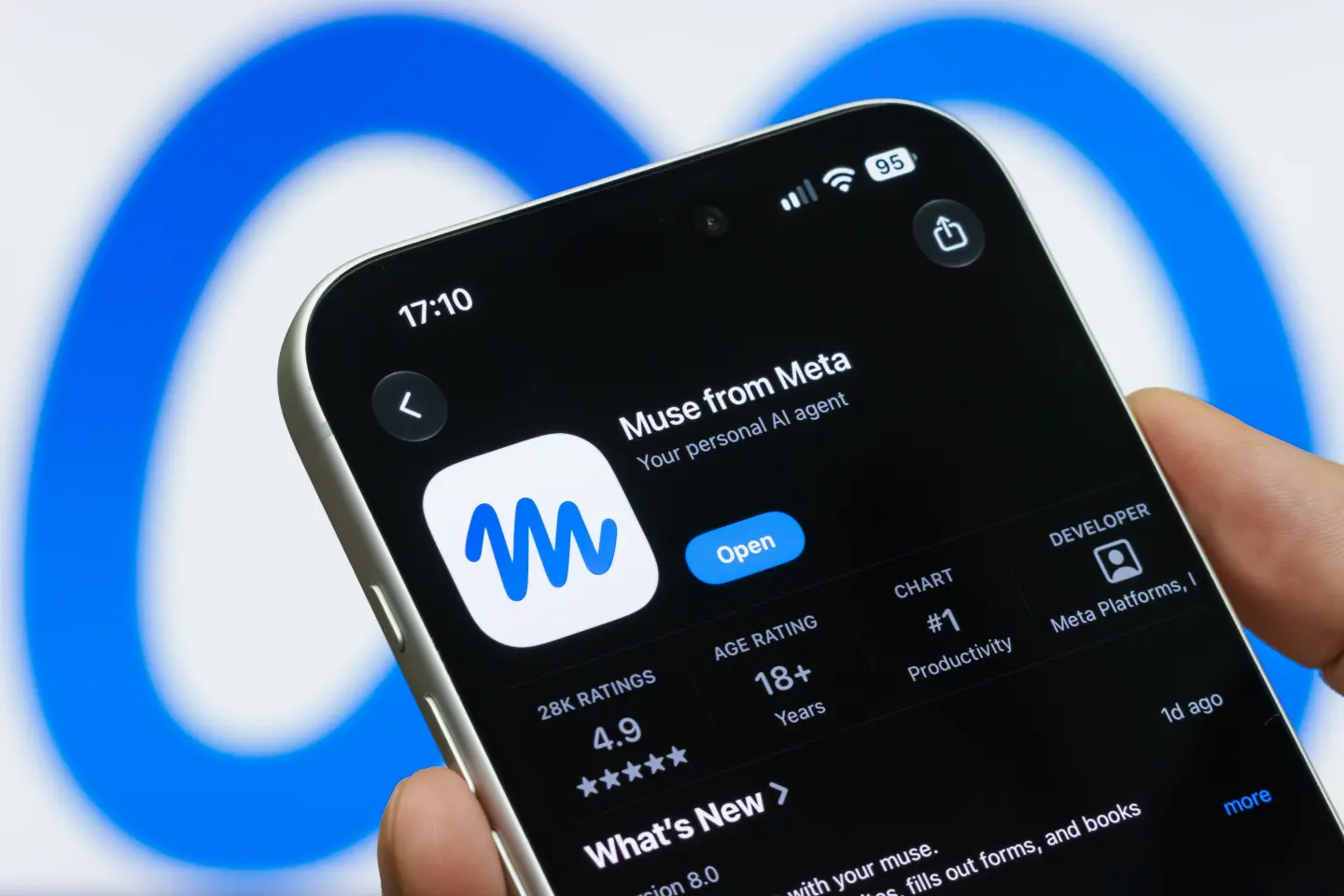
Meta wants Muse to become the personal AI agent billions of people use to actually get things done — not just answer questions. Launched September 8 and already the most downloaded free app on the iPhone App Store, here’s a complete look at what Muse actually does, how it works, what it costs, and the privacy questions still hanging over it.
What Muse Actually Is
Muse is Meta’s personal AI agent — a step beyond a chatbot like Meta AI or ChatGPT. Rather than just answering a question, Muse is built to take a goal, form a plan, and carry out multi-step tasks on your behalf: sending emails, booking travel, filling out forms, negotiating bills, buying products, logging meals, guiding a workout, and making appointments. It runs on Meta’s own model, Muse Spark (version 1.3 as of this writing), and works inside a dedicated, secure cloud computer built specifically for each user.
CEO Mark Zuckerberg described Muse as central to Meta’s entire AI strategy at the company’s Connect 2026 conference: “The centerpiece of our vision for what we’re building is Muse,” he said, adding he expects it to grow into “the personal superintelligence that billions of people around the world are going to use to accomplish their goals and improve their lives.”
Where You Can Get It
| Platform | Availability |
|---|---|
| iOS (iPhone) | Available via App Store |
| Android | Available |
| Mac | Free desktop app, launched Sept 17 |
| muse.ai (web) | Available |
| Available | |
| Meta AI glasses | Being rolled out, announced at Connect 2026 |
Right now, Muse is restricted to the US and to users 18 and older, with Meta saying more countries will be added over time.
How Muse Actually Works
You give Muse a broad instruction — something like “order my groceries for the week” or “plan a date night for Friday” — and it goes to work in the background, using its own secure browser and dedicated virtual machine to carry out the steps needed. It can keep working even after you close the app, and comes back to you when something changes or when it needs your approval — for example, before sending an email or completing a purchase.
The Muse app itself has five tabs: a main chat for talking to your agent, a customizable feed based on your interests and priorities, an “Ideas” tab with example prompts, a list of your ongoing goals, and account/settings. During setup, users get to name and customize their AI agent — its animated, Pixar-style avatar is internally referred to by Meta as “Jolly.”
What Makes Muse Different From a Regular Chatbot
- It remembers context over time — Muse can turn a recipe you saved on Instagram into a grocery list, suggest a dinner party menu, and remember a friend’s dietary restrictions before sending invites, all without being re-told each time
- It acts, not just answers — connecting to your email, calendar, payments, health, shopping, and smart home accounts to actually complete multi-step tasks
- It keeps working after you leave — long tasks continue in the background and Muse returns to you only when it needs input or approval
- It can negotiate on your behalf — Meta says Muse can handle some negotiation tasks, like working on a bill, directly
- It has more built-in guidance than general-purpose chatbots like ChatGPT or Gemini, according to reporting, making it more structured around completing specific real-world tasks
Privacy and Security: What Meta Says It Built In
Given Meta’s history with data privacy, this is the section most people actually want details on. According to Meta’s own announcement, Muse includes several specific safeguards:
- Muse Secure VM — each user’s Muse runs on its own dedicated cloud computer, isolated so no other agent can access it; this is where your connected accounts’ data and credentials are stored
- A Sentinel system controls what the agent can access on the open web
- Full audit trail — Muse shows you everything it has done and everything it plans to do
- Granular app permissions — you choose which apps Muse connects to and exactly what it’s allowed to do (for example, whether it can only read your email or also send on your behalf)
- You can disconnect any service at any time
- You can opt out of your Muse interactions being used to train Meta’s AI models
- Muse doesn’t share your conversations or VM data with Meta’s ad systems, according to the company
- You can tell it to “forget” specific things it has learned about you
- Meta says Muse does not directly see your passwords or payment details, and asks for your approval before sensitive actions like purchases
Despite these stated protections, analysts have flagged that trust remains a real hurdle. Bank of America analysts wrote in a research note that “while feedback (around Muse) has been positive, privacy and trust remain key considerations for broader adoption” — a concern amplified by the ongoing controversy around Meta’s AI smart glasses, which critics have dubbed “pervert glasses” over their ability to record people without clear consent.
Pricing
| Tier | Price |
|---|---|
| Free | $0 (usage meter applies) |
| Power | $20/month |
| Maximum | $100/month |
Neither Meta nor independent outlets have published exact per-tier usage limits — how many tasks you get, how long they can run, or how many can run simultaneously — so it’s best to treat these tiers as general usage buckets rather than fixed, clearly defined feature levels for now. For developers, Muse Spark 1.3 is also available separately through Meta’s API, priced per token ($1.25 per million input tokens, $4.25 per million output tokens on the standard tier), separate from the consumer subscription pricing.
Early Traction
Muse became the most popular free app on the iPhone App Store shortly after launch, and had been downloaded more than 2.5 million times as of late September — a strong start for a product barely three weeks old at the time of its Connect 2026 showcase.
What’s New From Connect 2026
At Meta’s Connect conference, the company announced Muse is expanding well beyond phones and desktop, extending onto Meta’s AI glasses so users can interact with their personal agent throughout the day. Alongside this, Meta unveiled a new, much wider range of AI glasses — spanning Ray-Ban, Oakley, and Meta-branded frames, including its first audio-only glasses with open-ear sound — with more than 100 total styles of AI glasses planned by the end of the year. Meta also debuted Meta VR Glasses, a new wearable device aimed at delivering an “IMAX-grade” cinema and spatial computing experience.
How Muse Fits Into the Bigger AI Agent Race
Muse enters a market that’s heating up fast. It’s arriving around the same time as Apple’s own upgraded Siri (Siri AI), and competes directly with agent-style products from OpenAI, Anthropic, and Elon Musk’s SpaceXAI. According to Reuters’ reporting on the launch, Muse connects to at least six categories of a user’s digital life — email, calendar, payments, health, shopping, and smart home — putting it in direct competition for the same “does things for you” positioning these rival companies are all chasing.
Final Thoughts
Muse represents Meta’s most ambitious bet yet on becoming a central part of people’s daily digital lives — not just a chatbot you occasionally open, but an agent quietly working through your errands, bookings, and planning in the background. The stated privacy safeguards are genuinely detailed on paper, but given Meta’s track record and the ongoing smart-glasses controversy running in parallel, how much users actually trust Muse with real access to their email, payments, and health data will likely be the deciding factor in whether it lives up to Zuckerberg’s “personal superintelligence” framing.
