


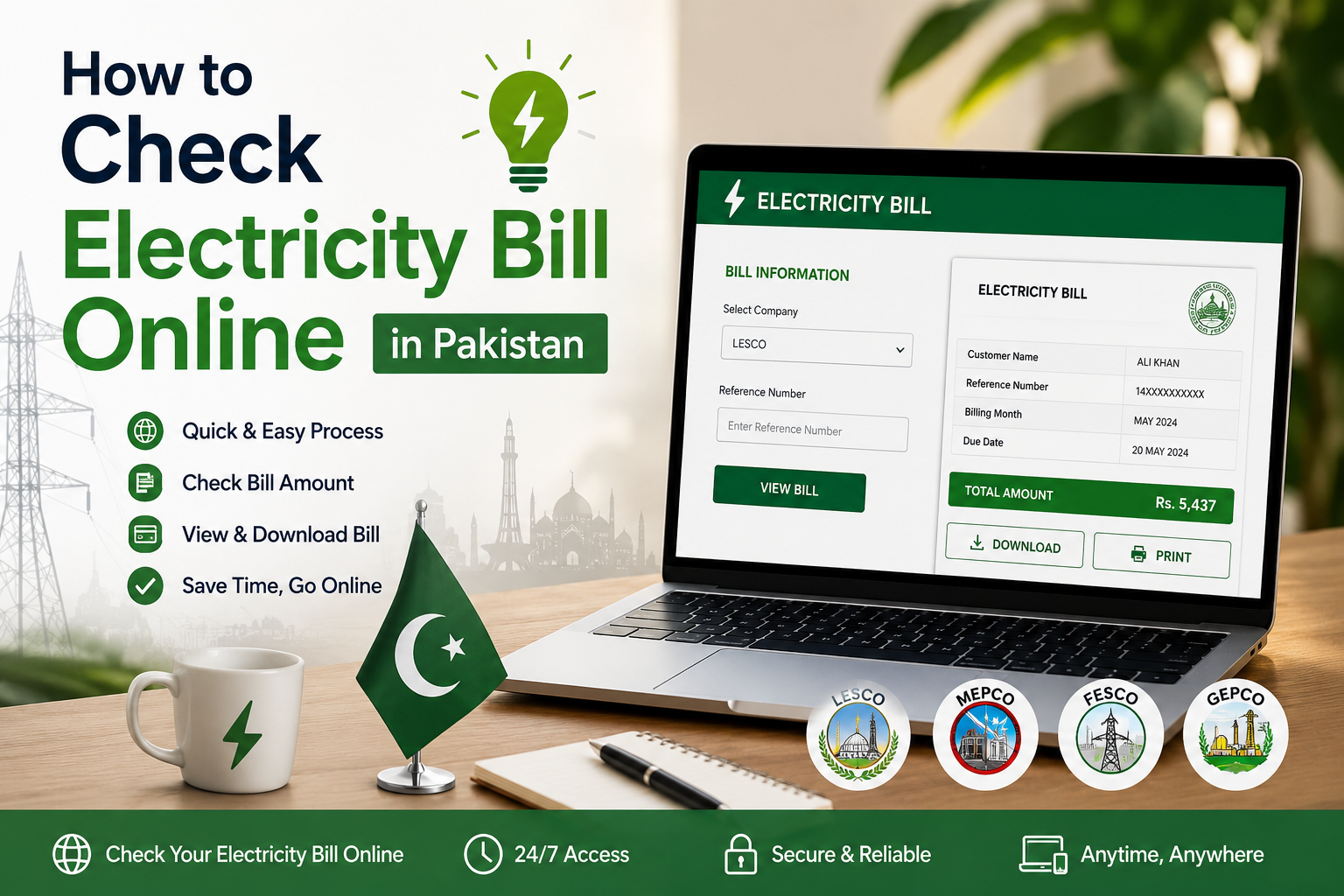
Waiting for a paper bill to arrive in the mail is no longer necessary. Whether your bill got delayed, misplaced, or you simply want to confirm the amount before the due date, you can check electricity bill online in Pakistan in under a minute using your reference number. This guide covers the official method for every distribution company, plus SMS, WhatsApp, and app-based alternatives, so you never have to guess your bill amount again.
Understanding Your DISCO: Who Actually Sends Your Bill?
Most people still call it a “WAPDA bill,” but WAPDA itself no longer issues electricity bills. Since 1998, Pakistan’s power distribution has been split among regional companies called DISCOs (Distribution Companies), regulated by NEPRA. Karachi is the one exception — it is served by the privately owned K-Electric (KE) rather than a WAPDA-linked DISCO.
| DISCO | Full Name | Main Cities Covered |
|---|---|---|
| LESCO | Lahore Electric Supply Company | Lahore, Kasur, Okara, Sheikhupura, Nankana Sahib |
| MEPCO | Multan Electric Power Company | Multan, Bahawalpur, DG Khan, Sahiwal, Rahim Yar Khan |
| FESCO | Faisalabad Electric Supply Company | Faisalabad, Jhang, Sargodha, Toba Tek Singh, Chiniot |
| IESCO | Islamabad Electric Supply Company | Islamabad, Rawalpindi, Attock, Jhelum, Chakwal |
| GEPCO | Gujranwala Electric Power Company | Gujranwala, Sialkot, Gujrat, Hafizabad |
| PESCO | Peshawar Electric Supply Company | Peshawar and most of Khyber Pakhtunkhwa |
| HESCO | Hyderabad Electric Supply Company | Hyderabad and parts of Sindh |
| SEPCO | Sukkur Electric Power Company | Sukkur and northern Sindh |
| QESCO | Quetta Electric Supply Company | Quetta and Balochistan |
| TESCO | Tribal Electric Supply Company | Tribal areas of Khyber Pakhtunkhwa |
| K-Electric (KE) | Karachi Electric | Karachi and surrounding areas (private, not a DISCO) |
Method 1: The Official PITC Portal (Works for All DISCOs Except K-Electric)
The Pakistan Information Technology Company (PITC) runs a single unified portal that connects to every WAPDA-linked DISCO. It is officially referenced by the Ministry of Energy (Power Division) as the correct place to view, print, or download your bill. This is the fastest and most reliable way to check your bill without registering an account.
Official portal: https://bill.pitc.com.pk
- Locate your 14-digit reference number printed on any previous bill — it is usually in the top-left or top-right corner.
- Visit the official PITC bill portal linked above.
- Select your distribution company from the list (LESCO, MEPCO, IESCO, FESCO, GEPCO, PESCO, HESCO, SEPCO, or QESCO).
- Enter the 14-digit reference number in the search box.
- Click “View Bill” or “Search” to see your current bill amount, due date, and consumption details.
- Use the print or download option to save a duplicate copy in PDF format.
No login, app download, or fee is required for this method, and it works the same way regardless of which province you live in.
Method 2: Checking Your K-Electric (KE) Bill in Karachi
K-Electric is not part of the WAPDA/PITC system, so Karachi residents need a slightly different process. Instead of a 14-digit reference number, K-Electric uses a 13-digit account number, found at the top of any previous KE bill (it typically begins with “0400”).
Official website: https://www.ke.com.pk
- Visit the official K-Electric website linked above, or open the KE Live App.
- Enter your 13-digit account number in the bill inquiry field.
- View your current bill, due date, and consumption breakdown on screen.
- Download the PDF for a printable duplicate copy.
If you have lost your account number, you can visit your nearest KE Integrated Business Center (IBC) with your CNIC to retrieve it.
Method 3: SMS and WhatsApp Bill Checking
If you don’t have internet access, both WAPDA-linked DISCOs and K-Electric offer SMS-based bill checking:
- WAPDA DISCOs: Send “PITC” followed by a space and your 14-digit reference number to 8118.
- K-Electric: First register by texting “REG” followed by your 13-digit account number to 8119. Once registered, text “BILL” to 8119 any time to receive your latest bill details.
- K-Electric WhatsApp: Save the official K-Electric WhatsApp number and message it to receive your duplicate bill directly on WhatsApp, without needing to open a website.
Method 4: Bank Apps and Mobile Wallets
Most banking apps in Pakistan — including HBL, UBL, Meezan Bank, and ABL — allow you to check and pay your electricity bill by simply entering your reference or account number. JazzCash and Easypaisa also support both bill inquiry and instant payment for all DISCOs and K-Electric. These apps are especially convenient because they let you check and pay in the same session, and most provide instant payment confirmation.
Paying Your Bill After Checking It
Once you’ve confirmed your bill amount, you have several payment options: JazzCash, Easypaisa, bank apps, ATM machines, over-the-counter payments at partner banks, and cash payments at select Pakistan Post offices, which remain a trusted and convenient option for consumers who prefer paying in person without needing a bank account or smartphone app.
Frequently Asked Questions
Do I need to create an account to check my electricity bill online?
No. The official PITC portal and most DISCO websites only require your 14-digit reference number — no registration or login is needed.
What if I don’t have my reference number?
You can find it on any previous paper bill. If you no longer have one, visit your nearest DISCO office or K-Electric IBC with your CNIC to retrieve your account details.
Is there a fee for checking my bill online?
No, checking your bill through the official PITC portal, DISCO websites, or K-Electric’s platforms is completely free.
How can I avoid late payment charges?
Pay within the due date or the standard grace period. Most DISCOs and K-Electric apply a late payment surcharge, typically around 10%, if the bill remains unpaid past the deadline.
Checking your electricity bill online takes only a couple of minutes once you know your reference or account number. Bookmark your DISCO’s official page or save the SMS shortcode so you’re never caught off guard by a missed or delayed bill again.
